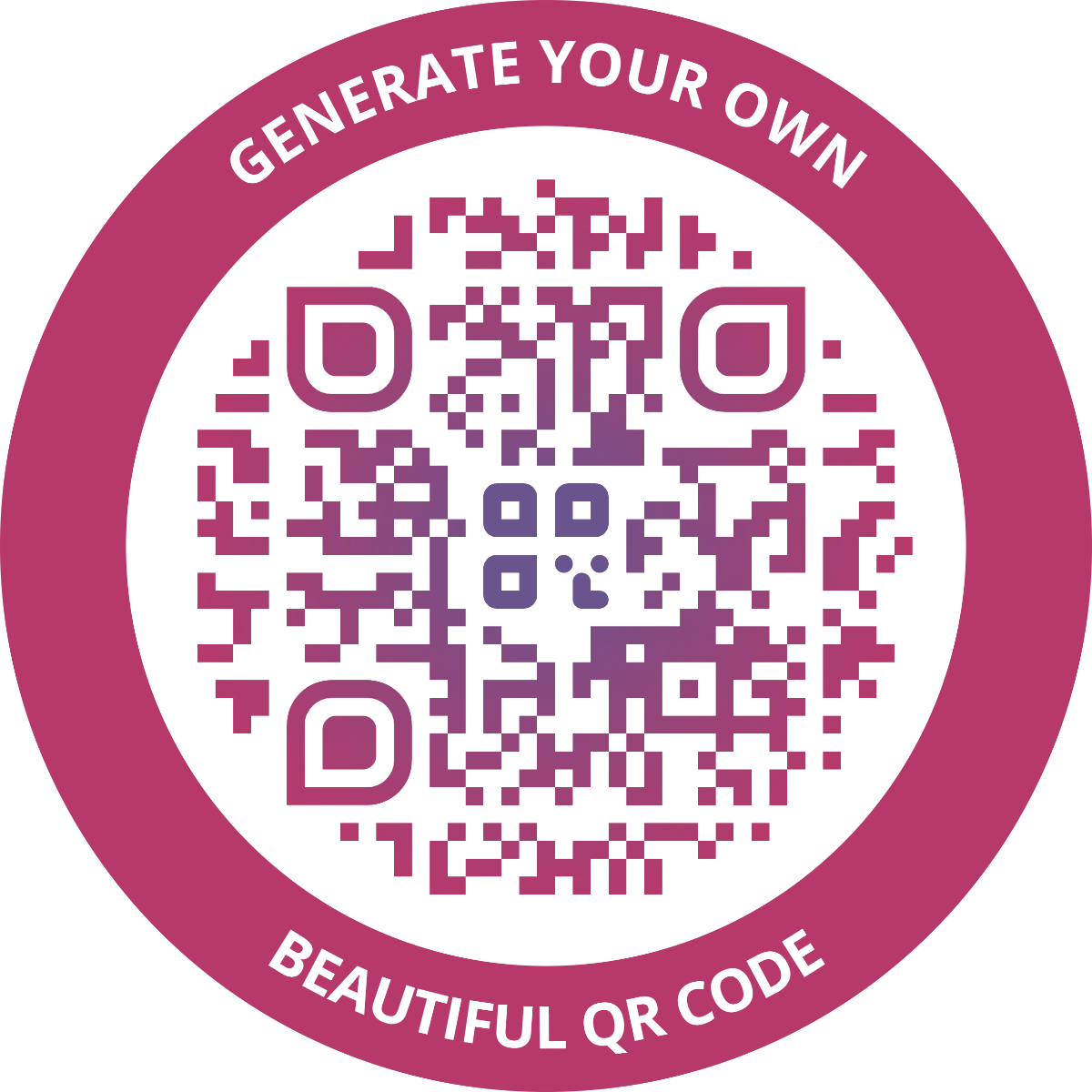
 Why another QR generator?
Many QR libraries are limited: some run only in the browser, others only server-side. Several offer decent customisation, but they can be tricky to integrate into your codebase or design workflow. Command-line tools help with automation but often lack advanced styling. Using separate tools for each scenario makes it hard to achieve a consistent look — and that consistency is often the ultimate limiting factor.
It's rare to find one library that delivers beautiful, highly customizable QR codes across browser, server, and automated workflows, while remaining easy to use for both designers and developers. While @liquid-js/qr-code-styling doesn't solve every QR customisation challenge, it hopes to remove many shortcomings when it comes to designing and integrating stylish QR codes.
For designers
- Use the interactive Styled QR Generator to design QR codes visually
- Save your designs as presets for later use
- Download generated QR codes as SVG files for seamless import into Illustrator, Inkscape, or other tools
- Copy the JSON-style configuration and give it to developers for pixel-perfect integration
For automation & developers
- Store QR designs as simple JSON files in your version control system
- Generate QR codes programmatically whenever new data arrives
- Use QR Code Styling CLI or the JavaScript/Node.js API to automate QR code generation and rendering
For everyone
- Move beyond boring black-and-white QR codes
- Boost engagement with branded, eye-catching designs
- Add context with a logo and a clear call-to-action
Key features
- Extensive dot and corner styling: 20+ shapes (rounded, dots, classy, extra-rounded, etc.)
- Easy logo/image embedding with adjustable size, margin, position
- Background customisation (colour, margin)
- Gradient support for dots, corners, and background
- Plugin system (new in v5) for powerful extensions — e.g., custom SVG paths for dots/corners, multi-layer borders, text overlays, or other post-processing
- Output formats: SVG (default), PNG, JPEG, PDF (using QR Code Styling CLI or libraries like svg-to-pdfkit)
- Excellent compatibility with popular vector graphics software
- Full Unicode support + dedicated Kanji mode for Japanese characters